
Read the overview
Overview combines inventory, findings, assessment coverage, integration health and recommended next actions for the selected organization.
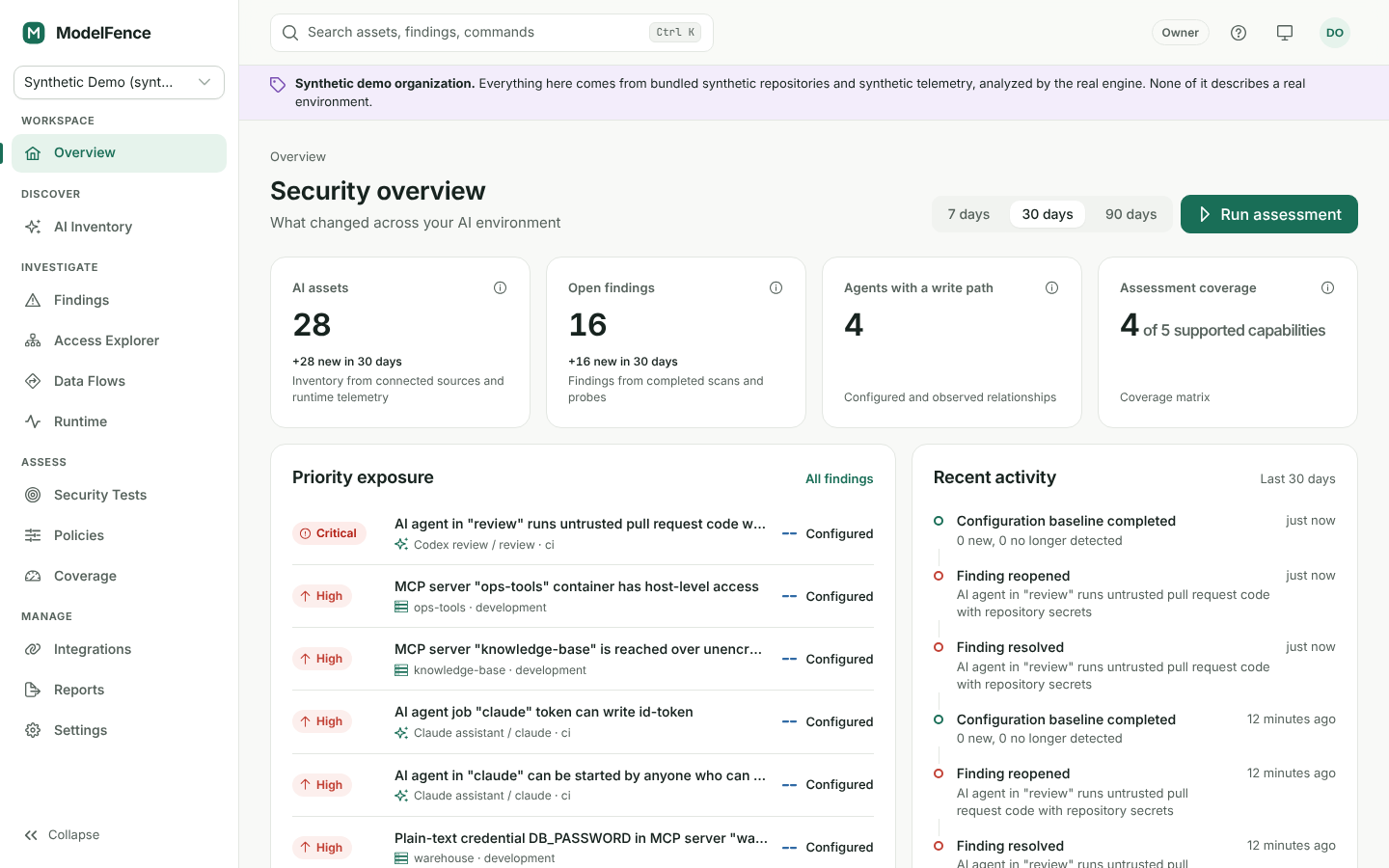
Synthetic demo data. These example counts do not describe a real environment.
Interpret the cards
Section titled “Interpret the cards”AI asset counts describe the records discovered or observed from connected sources. Open findings describe the current workflow state. Assessment coverage uses supported capabilities as its denominator. Check the source and definition attached to each metric before comparing organizations or time periods.
The overview cannot count an agent that never appeared in a supported source or instrumented runtime event. A low count can reflect missing data rather than a small AI footprint.
Pick a next action
Section titled “Pick a next action”Start with the most relevant question:
- What needs attention? Open a finding and read its evidence, confidence and affected asset.
- What is connected? Review integration health and the last synchronization.
- What have we not checked? Open Coverage and address missing, partial or outdated capabilities.
- Where can this agent reach? Open the asset detail and Access Explorer.
Filter the view when you need to focus an investigation. Confirm the selected organization first; the same user may have different permissions and data in another workspace.
Empty or synthetic data
Section titled “Empty or synthetic data”An empty organization has no source-backed risk conclusions yet. Connect a supported integration and complete a scan. Development fixtures are labeled synthetic and must not be used as an assessment of a real organization.
For a repeatable daily review, check integration errors, inspect new or recurring findings, follow up on accepted risks approaching expiry, and review coverage before exporting a report.